Electronic contracts
Legally binding agreements. Without the paper chase.
Create legally binding agreements with electronic signatures powered by SignatureAPI, when applicable legal requirements are met. Prepare, send, and retain contracts inside your community workspace.
In your daily work
From the first step to the next.
Prepare an agreement once
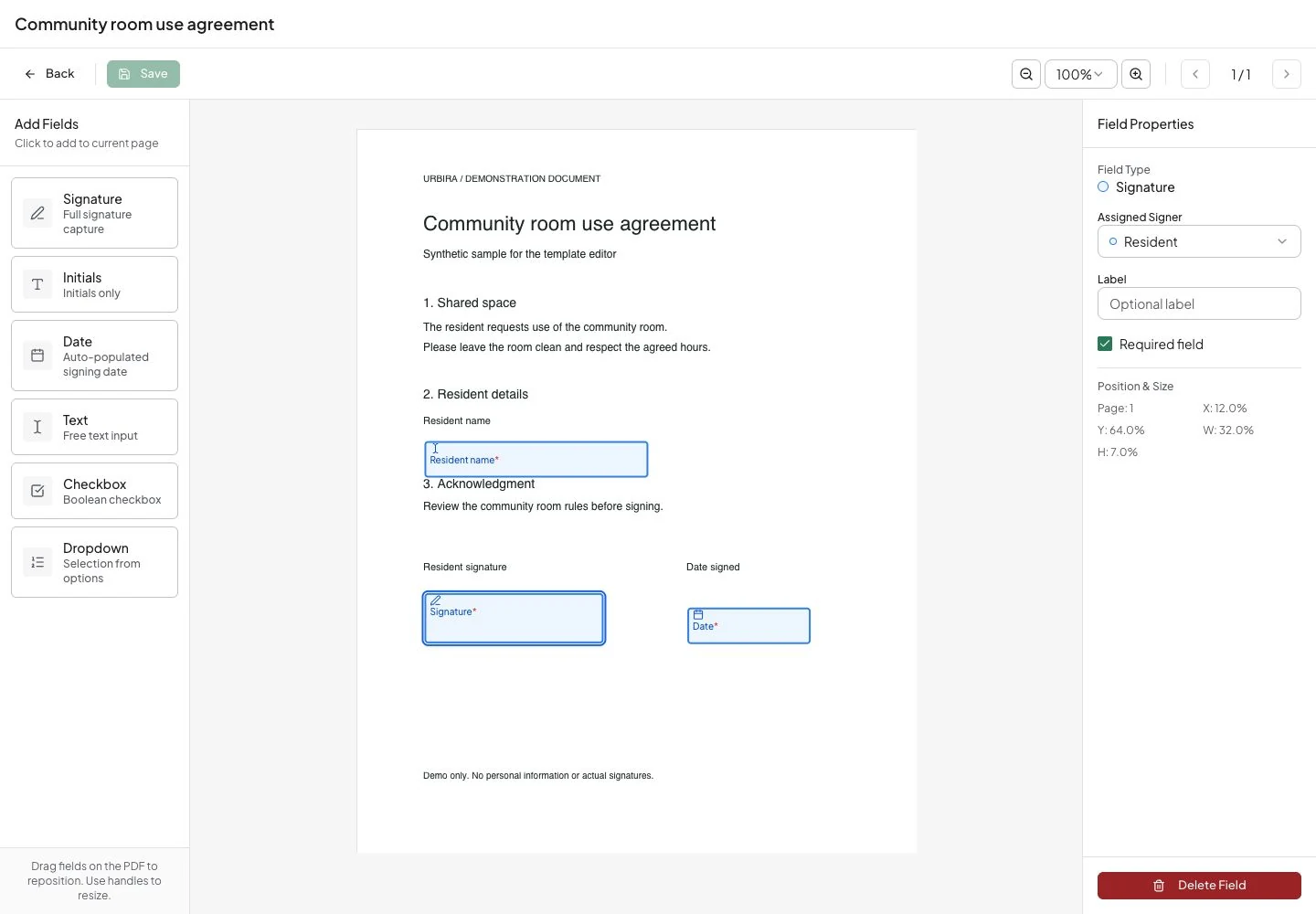
Open your PDF in the template editor. Place name, signature, and date fields on the page, assign each field to a signer role, and mark required fields.
Give each signer a clear next step
Organize recipients and send a signing request so the people involved can review and sign electronically.
Follow the agreement through completion
Track each request and keep the completed agreement in your community’s files, with its signing evidence available for later review.
What stays with the completed agreement.
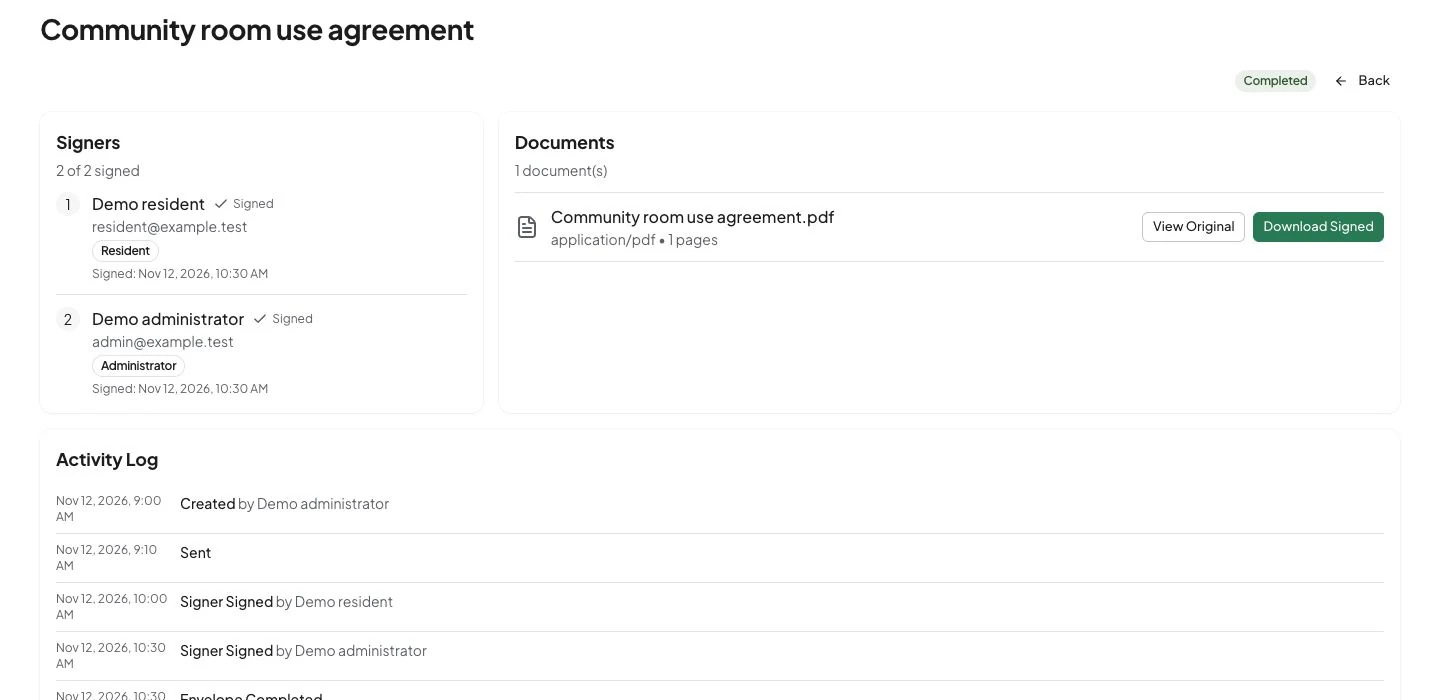
Check each signer’s status, open the signed document when it is available, and review the envelope’s events in one place.
The record in Urbira
The activity log shows envelope actions and events received from the provider. The download appears once the final file has been saved.
The evidence in the final PDF
SignatureAPI’s standard document includes an audit log and a completion certificate. Its cryptographic seal lets you check its origin and detect changes made after it was issued.
How to verify the PDF sealSee the evidence inside the document.
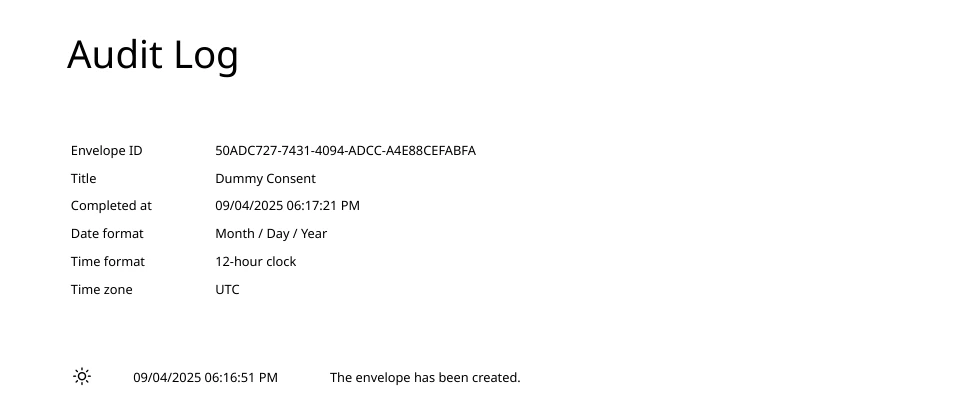
Explore SignatureAPI’s published demonstration PDF. It contains the document and its audit log, with the cryptographic-seal statement at the end.
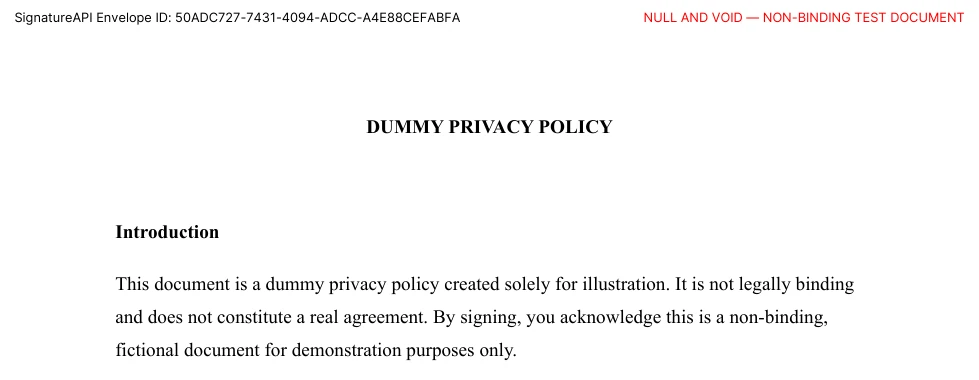
This is SignatureAPI’s example, not a customer contract or an Urbira transaction. The images are excerpts. Open the original PDF to inspect its digital signature.

Check the seal in the PDF
The visible statement points to the seal; verification checks the file’s digital signature. SignatureAPI explains how to inspect the signature status and certificate in Adobe Acrobat.
See SignatureAPI’s verification stepsAgreements with evidence
The agreement matters. So does the evidence.
Electronic signatures can create legally binding agreements. In the United States, ESIGN prevents an agreement from being denied validity solely because it is electronic. Read the ESIGN Act →
What an electronic agreement needs to address
These factors explain the process; specific requirements depend on the document and applicable law.
Intent to sign
The signer must express an intention to accept and sign the document.
Consent to electronic transactions
The parties must agree to the process and meet applicable consent requirements.
A signature tied to the document
The relationship between the signature and the signed record must be clear.
A record you can retain
The document must be retainable and accurately reproducible for later reference.
References: ESIGNNew York ESRA
Less administration around every signature.
Sign remotely
Participants can review and sign without coordinating an in-person meeting.
Fewer manual handoffs
Send the request without turning every agreement into a chain of printing, scanning, and emails.
Visible progress
See who has signed and which requests need follow-up from Urbira.
Evidence within reach
Return to the completed agreement and its evidence when you need to review what was signed.
Part of your community
The context carries through.
Connect this feature with the people, records, and workflows around it.
More than administration.
Explore every featureYour community, connected